Social media for 14 networks, with carousels and AI
Write once.
Post everywhere.
SocialBat plans, writes, schedules and measures your posts across social networks, communities, blogs and messaging apps, and turns your notes into carousels people save.
Free plan, no card needed. One account for every Bats app.
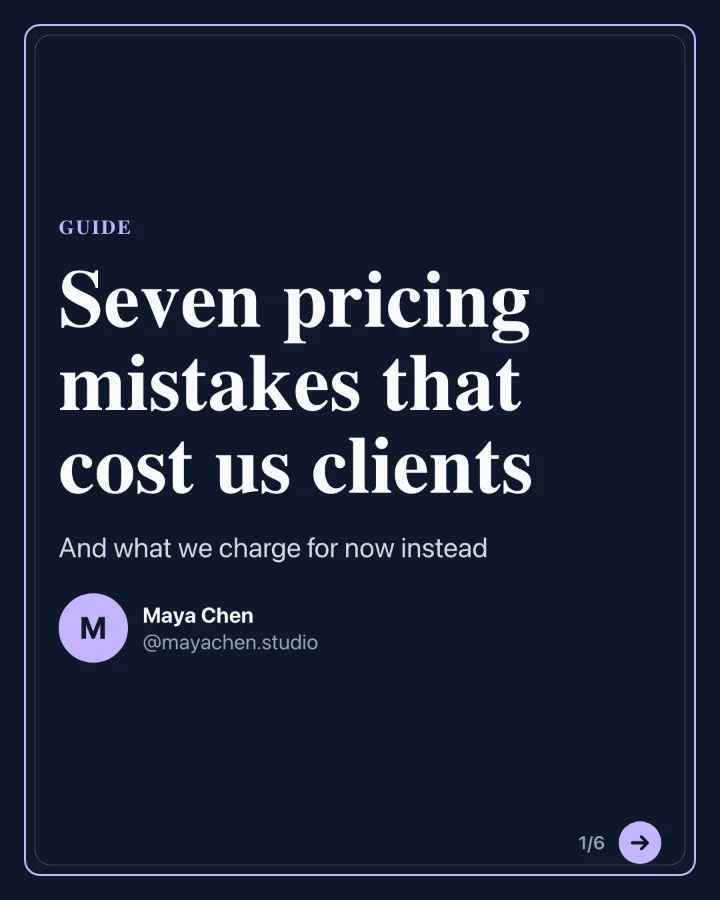
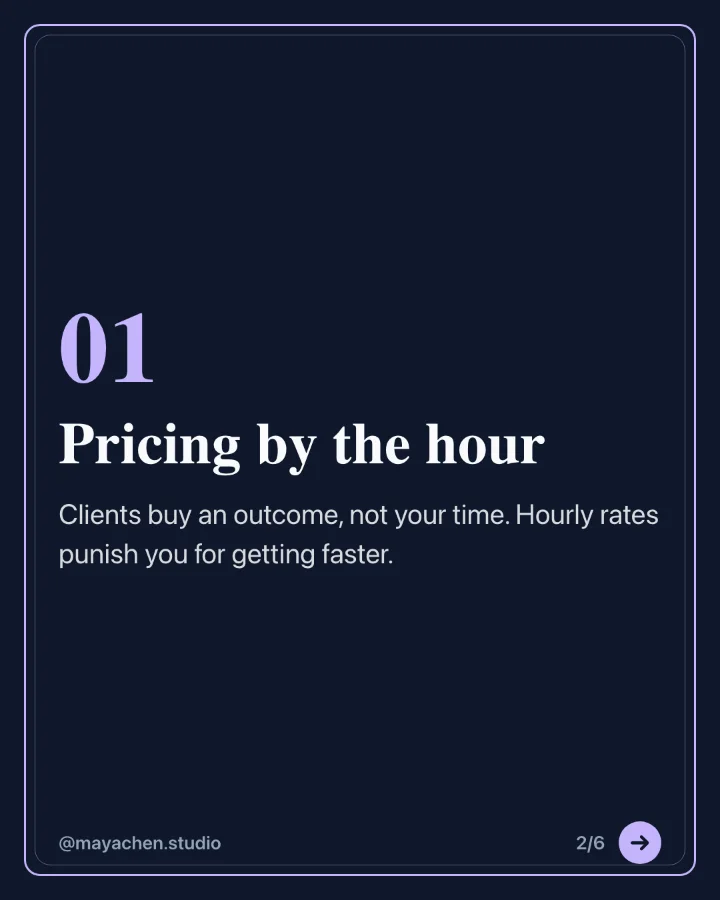
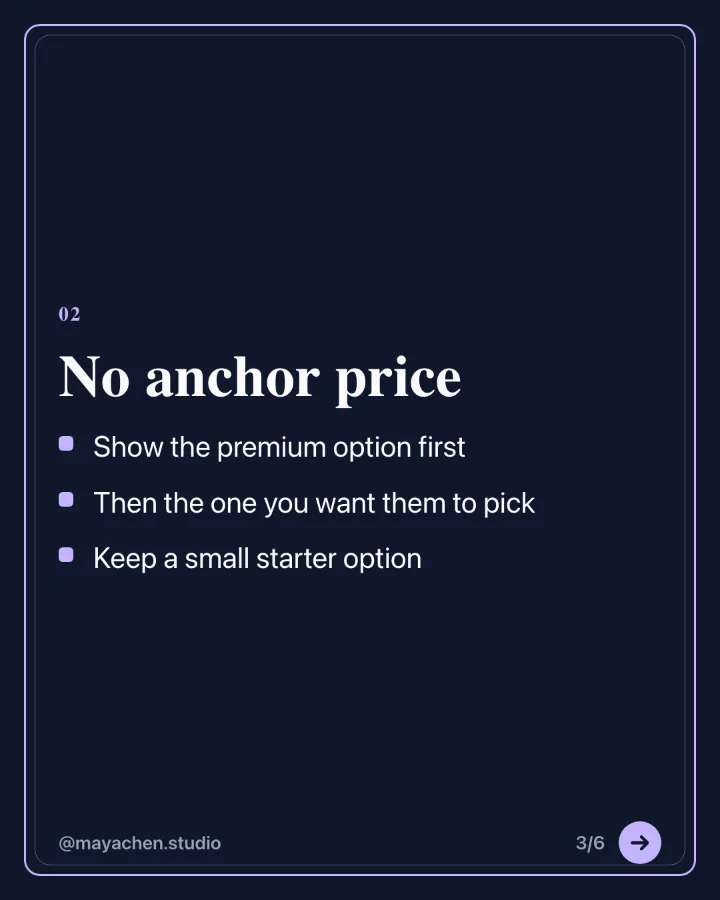
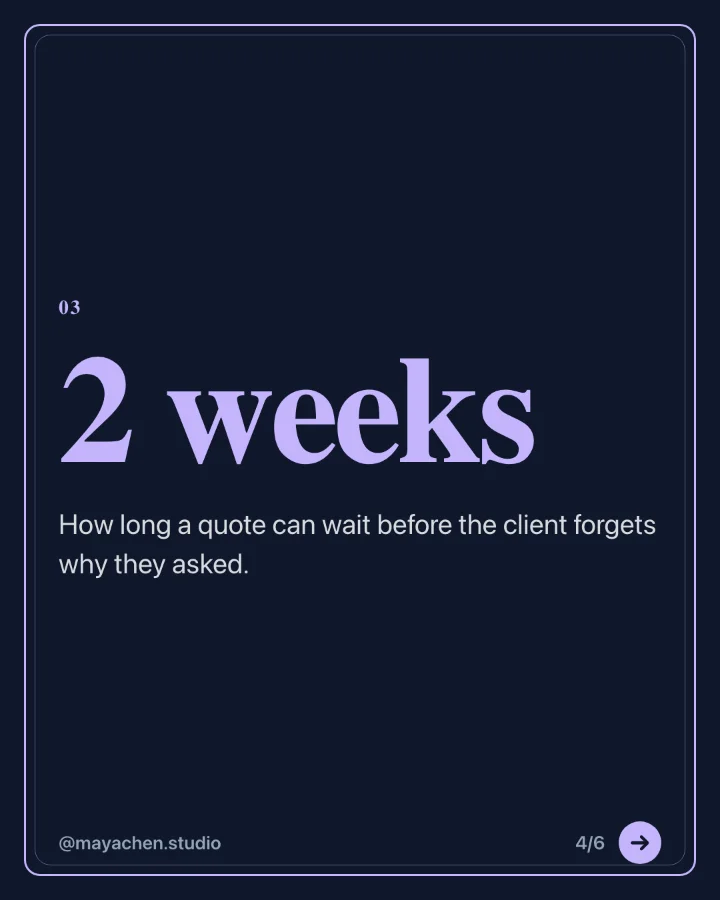
Seven pricing mistakes cost us clients last year. We fixed them in one quarter. The biggest one: we priced by the hour, so getting faster made us poorer. The full list is in the carousel. Save it for your next proposal.
 1
 2
 3PDF carousel, 6 slides
Drag to reorder
Seven pricing mistakes cost us clients last year. We fixed them in one quarter. The biggest one: we priced by the hour, so getting faster made us poorer. The full list is in the carousel. Save it for your next proposal.
1 / 4Seven pricing mistakes cost us clients last year. We fixed them in one quarter. The biggest one: we priced by the hour, so getting faster made us poorer. The full list is in the carousel. Save it for your next proposal.
Album, 6Seven pricing mistakes cost us clients last year. We fixed them in one quarter. The biggest one: we priced by the hour, so getting faster made us poorer. The full list is in the carousel. Save it for your next proposal.
Seven pricing mistakes
Thread: proposals that win

Studio tour
Question for founders
Case study: a 2 week rebrand

Behind the scenes
Release notes
Friday tip

Weekend reading
Week ahead plan
- Read your notes
- Outlined 6 slides
- Wrote every slide
- Applied your brand kit
- Rendered the PDF
Uses AI credits from your monthly allowance. You check every slide before it posts.
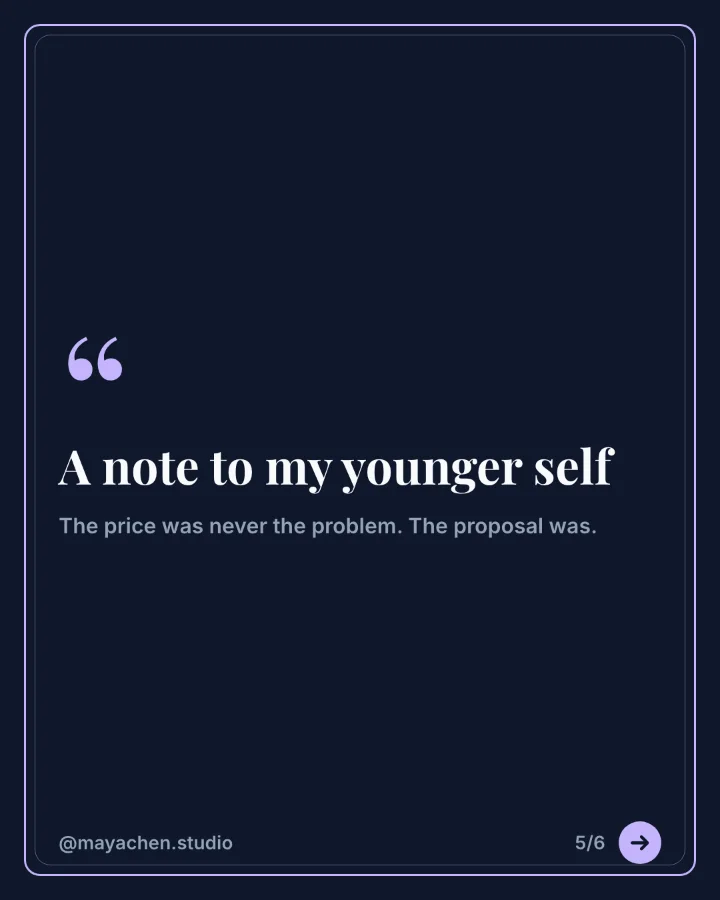
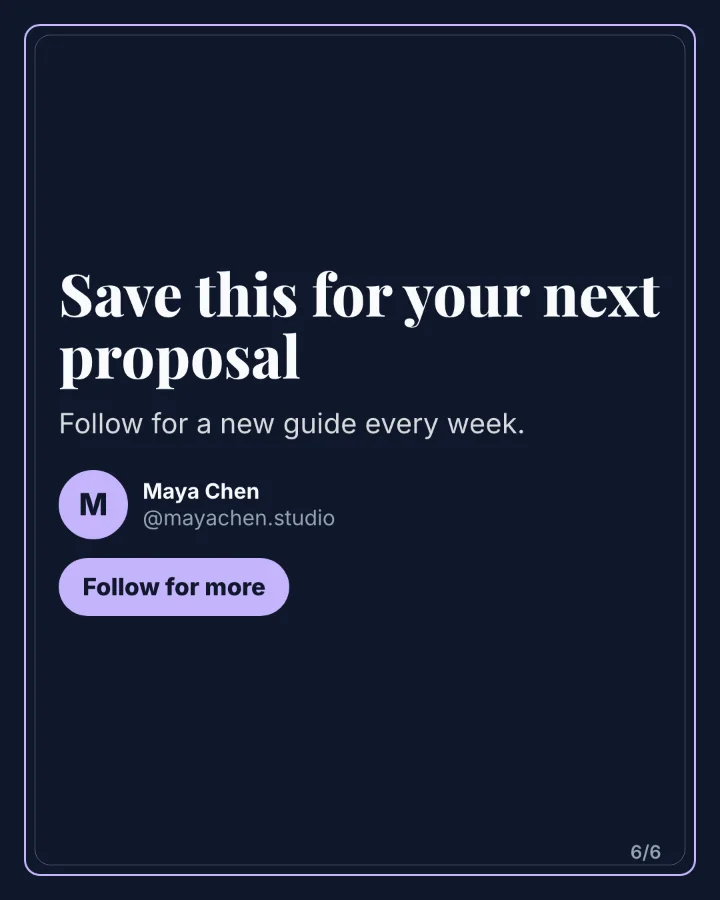
A demo of SocialBat in three parts. First a post is written once and previewed for Bluesky, Mastodon, Telegram. Then a week on the calendar fills with posts for several channels, one waiting for review. Then a carousel is generated from notes and its six slides appear, ready to export as a PDF or images.
Networks
14 networks.
One composer.
Social networks, video, communities, blogs, newsletters and messaging apps. Every connection uses the official API of the network, so your accounts stay safe.
Social networks 3
Communities 2
Blogs and newsletters 5
Messaging 3
Webhooks and automation 1
Composer and previews
One post.
Right for every network.
Write it once, see it the way each network will show it, and fix what does not fit before it goes out.

Pick your channels and write one post. Customise any network on its own tab when it needs a different take.

Previews for Bluesky, Mastodon and Telegram and every other network you post to, with each network’s character count.

Add images, a video, a PDF document or a carousel straight from the editor, and drag images into the order you want.
Calendar and queues
A calendar that
fills itself in.
Queues with time slots, best times learned from your own posts, evergreen repeats and CSV bulk upload. Posts go out at their minute, with retries if a network is down.

Month, week and list views across every channel. Drag a post to another day to move it.

Give each channel its weekly times. Add to queue takes the next free slot.
- Best times from your own resultsLearned from engagement on your published posts, per weekday and hour.
- Reliable publishingA job runner with retries and duplicate protection, even after a restart.
- Pause in one clickStop a channel or a whole workspace when news breaks, then resume.
Ideas to posts, with AI
From a note
to a full fortnight.
Keep every idea in one board. AI turns them into native posts for each network in your brand voice, and a two week planner fills your open slots across pillars without repeats.

Capture ideas as you have them: typed, a link, an article, a voice note transcript, an RSS feed or a CSV. Sort them into content pillars.

Each idea becomes a post written for each network, with a hook, body, call to action, hashtags, a first comment and thread splits, plus a visual.

Per channel, with a cap on posts, a monthly credit budget, approvals and a digest. Pause it whenever you like.
- Variants A to CCompare three versions, regenerate one, use the best.
- AI images, stock photos or branded cardsEach post gets a visual that fits the network.
- Nothing posts without youUnless you turn on autopilot for a channel, with its caps and approvals.
Carousels
Carousels
people save.
Two kinds, from the same editor: PDF document carousels to download for LinkedIn, and image carousels of up to 20 pictures that post as one post on Bluesky, Telegram and Mastodon. Made by hand, from 28 designed templates, or with AI.
PDF document carousel
Swipeable slides in your brand, exported as a LinkedIn document.
Start from notes, a link or a topic. AI writes the slides, your brand kit styles them, you change any word.
Image carousel
Photos and branded slides, posted as one swipeable post.
Mix your photos, stock photos or AI images with branded text slides. One crop for every slide, drag to reorder.
One week at the roastery, from green beans to your morning cup. Swipe for the whole week.
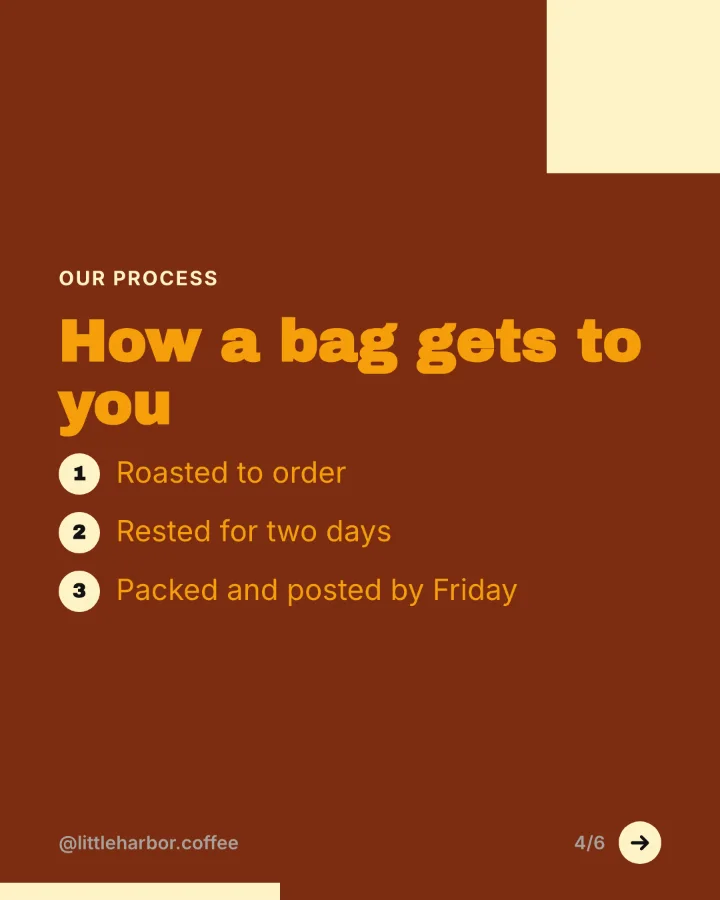
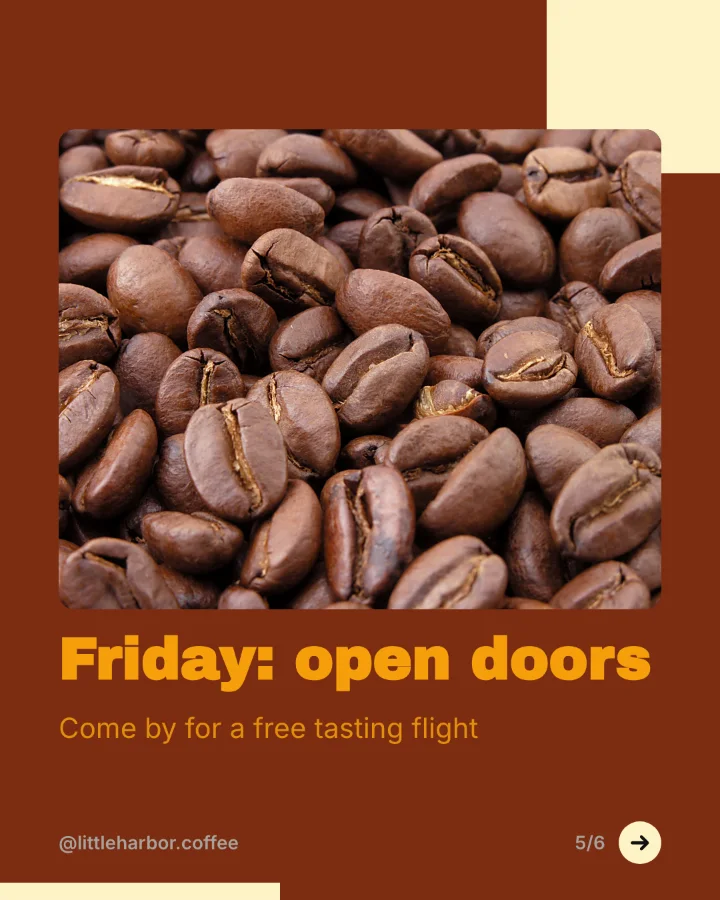
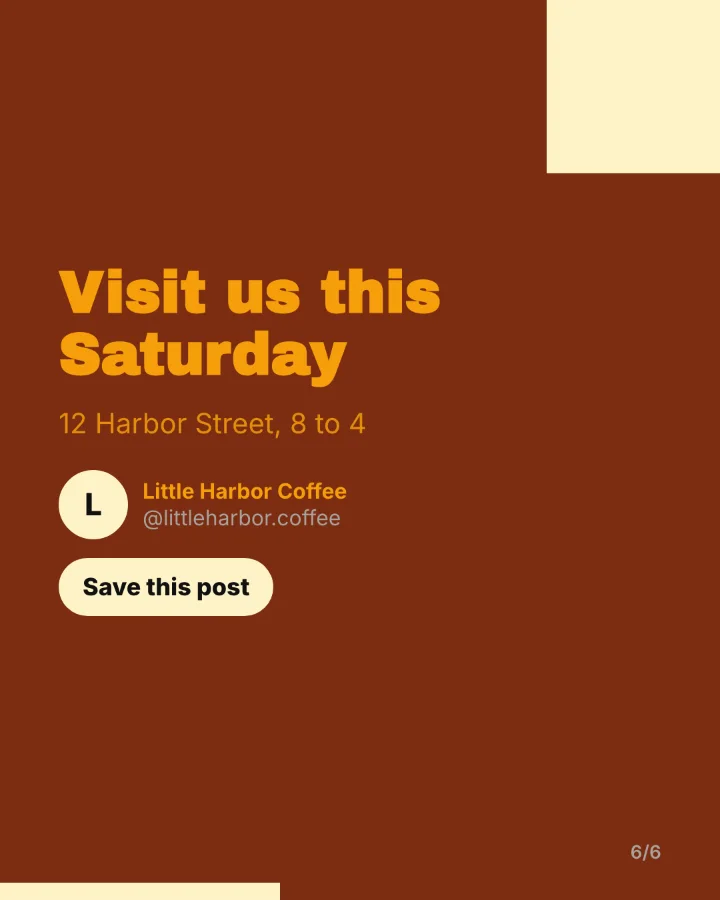
Every slide here was rendered by SocialBat's own carousel export. Little Harbor Coffee and Maya Chen are made up for the demo.
- 28 original templatesPlus your brand kit: colours, fonts, name, handle and photo.
- Portrait, square, landscape and wideSizes that suit LinkedIn, Instagram and link posts.
- Export or schedulePDF, PNG images or a ZIP, or straight into a post.
- AI with picturesAI images or stock photos where a slide needs one.
LinkedIn suite
Posts that earn the see more.
Hook templates in ten styles, a formatter for bold and italic text, a preview of where LinkedIn shows see more, and document carousels as a PDF, ready to paste and upload.
I almost shut the studio down last spring. Here is what changed in 90 days, and the one habit that saved us. 𝗪𝗲𝗲𝗸 𝟭: we stopped pricing by the hour ...see more
Inbox, analytics and reports
Answer people.
Measure what works.
Comments and mentions in one list, numbers from each network’s API, and reports your clients can read.
Unified inbox
Comments, mentions and messages from your channels. Assign, reply with saved or AI suggested answers, and close.
Learn more
Analytics
Impressions, engagement and followers per channel, with link clicks from your own short links.
Learn more
Reports
PDF reports on a schedule, white label on Pro, sent to your clients by email.
Learn more
Teams, approvals and agencies
Approvals your clients
will actually use.
A workspace for every brand or client. Writers draft, editors approve, and clients sign off from a link with no account. Comments with mentions, live presence and a full activity log.

- Six rolesFrom owner to viewer, so everyone sees what they need.
- Client review linksPreviews, approve or ask for changes, no sign up.
- White label on ProReports and the review portal in your own brand.
Everything else, included.
Explore featuresScheduling and calendar
Plan posts for every network on one calendar with queues, time slots, best times from your own results, evergreen repeats and CSV bulk upload.
Learn moreAI content
An ideas board that turns ideas into native posts for every network, hooks, rewrites, threads, repurposing, a two week planner and autopilot, in your brand voice.
Learn moreLinkedIn suite
Write LinkedIn posts with hook templates and your personal voice, format them with bold and italic text, preview the see more cut, schedule document carousels and reply to comments.
Learn moreCarousel maker
Design swipeable LinkedIn carousels from a topic, a link or your own text, with original templates and your brand kit, then export a PDF or PNG slides and schedule them.
Learn moreAnalytics and reports
Impressions, engagement, followers over time and link clicks per channel and per post, top posts, best times, CSV and PDF reports and scheduled report emails.
Learn moreTeams and approvals
Workspaces for each brand or client, six roles, an approval flow from draft to approved, comments with mentions, live presence, an activity log and a client review portal.
Learn moreUnified inbox
Comments, mentions and direct messages from every network whose API offers them, with assignment, saved replies and AI reply suggestions.
Learn moreLink in bio and short links
A fast public link in bio page with your buttons and latest posts, short links on SocialBat's own domain, and a UTM builder.
Learn morePart of OfficeBats
One account.
Every Bats app.
Your OfficeBats account, plan, Drive and AI credits work across SocialBat and its sister apps. Pick a file from the shared Drive, design a PDF in PDFbat, post it here.
Start free.
Grow when you are ready.
Compare plans Free
$0
For trying SocialBat and small brands.
- 3 channels
- 30 scheduled posts a month
- 2 team members
- 5 carousels
- AI credits every month
ProMost popular
$10.99/ month
For creators, businesses and agencies.
- 50 channels in each of 25 workspaces
- Unlimited scheduled posts
- 25 team members per workspace
- Unlimited carousels
- White label reports and portal
- 5,000 AI credits a month
Business
$19/ month
For larger teams across the whole suite.
- Everything in Pro
- 20,000 AI credits a month
- More Drive storage for every Bats app
Prices in US dollars. Plans and payment are handled by OfficeBats and cover every Bats app.
Good to know.
Is SocialBat free?
Yes. The Free plan includes 3 channels, 30 scheduled posts a month and AI credits every month. Pro at $10.99 a month removes the limits and covers every Bats app.
Which networks can I post to?
14 networks today: social networks, video platforms, communities, blogs and newsletters, messaging apps and a custom webhook. The networks page explains how each one connects.
Can I make image carousels as well as PDF carousels?
Yes. Every carousel can be exported as a PDF document (the format LinkedIn uses for document posts), or as separate images (up to 20) that post as one multi image post on Bluesky, Telegram and Mastodon, within each network's own limits.
Does SocialBat ever post on its own?
Only what you or your team scheduled, feeds you set to fill the queue, and autopilot if you turn it on for a channel, with the caps and approvals you choose. AI writes drafts for you to check.
Can my clients approve posts?
Yes. Send them a review link. They see previews and approve or ask for changes without creating an account.
Do I need a separate account?
No. You sign in with your OfficeBats account, the same one for PDFbat, DocsBat, SlidesBat, SheetsBat, FormsBat, BooksBat and Buildan.app.
How does the AI work and what does it cost?
AI features use AI credits from your OfficeBats wallet. Every plan includes a monthly allowance, and you can buy more at any time. AI is only available to signed in accounts.
Can I cancel at any time?
Yes. Plans are managed in your OfficeBats account. If you cancel, your workspaces return to the Free limits.
Your next month of posts,
planned this afternoon.
Free to start with one account for every Bats app. No card needed.