LinkedIn carousel maker
Carousels people save,
made in minutes.
Start from a topic, a link or your notes. Build it by hand, start from a designed template, or let AI write the slides and pick the pictures. Export a PDF or a set of images and schedule it.

Three ways to make one.
Pick the one that suits the post. You can switch at any time, and every slide stays editable.
By hand
Write each slide yourself on a big canvas with a slide strip. Nine layouts: cover, point, list, steps, quote, stat, image, compare and call to action. No AI credits used.
Designed templates
28 original templates with your brand kit applied to every slide. Change the template and the whole carousel follows.
With AI
From a topic, a link or your notes. AI writes the slides in your voice and fills image slides with AI images or stock photos, after showing a credit estimate.
A PDF or a set of images.
Same editor.
Export any carousel as a LinkedIn document, or as up to 20 images that post as one swipeable post.
PDF document carousel
Designed slides from 28 templates.
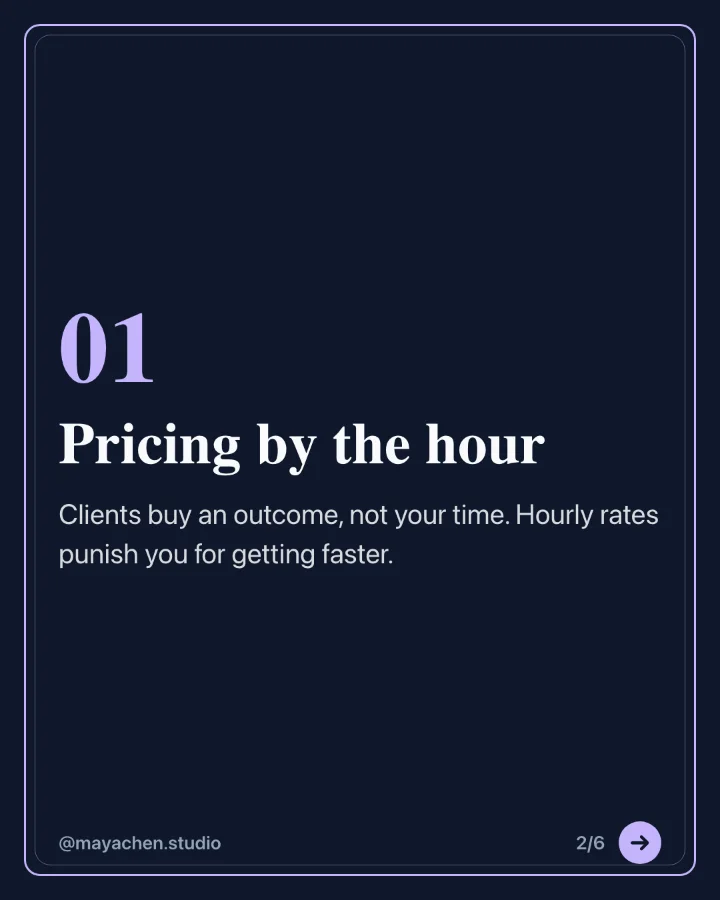
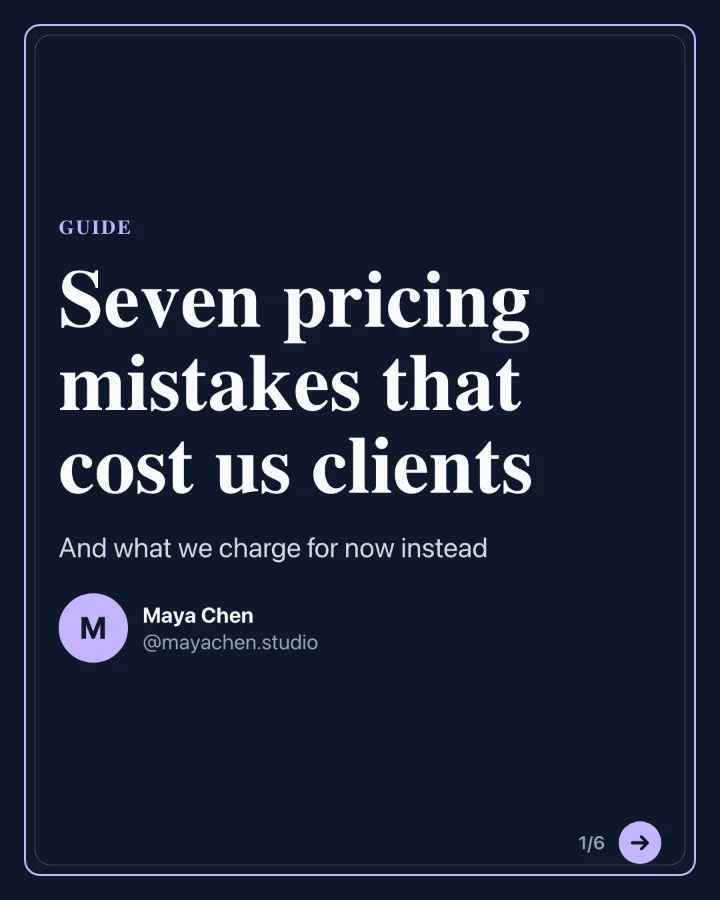
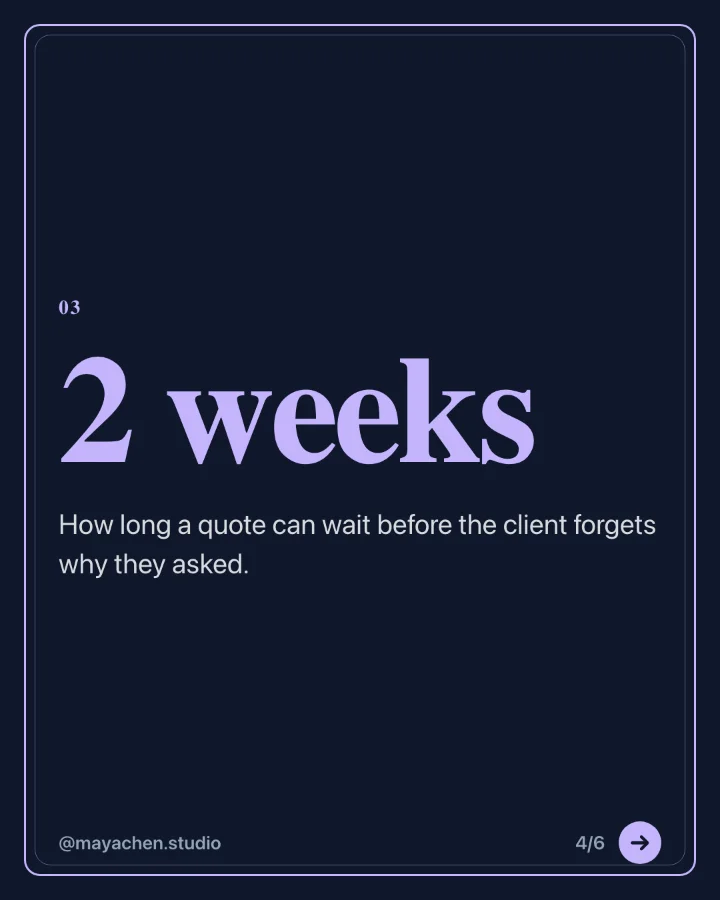
Image carousel
Photos and branded slides in one post.
One week at the roastery, from green beans to your morning cup. Swipe for the whole week.
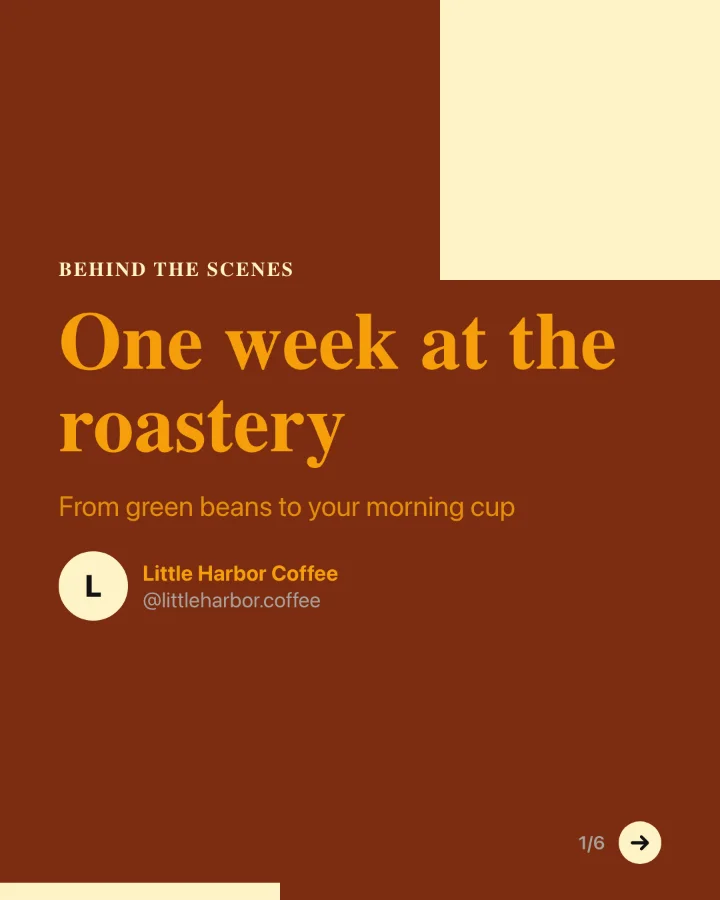
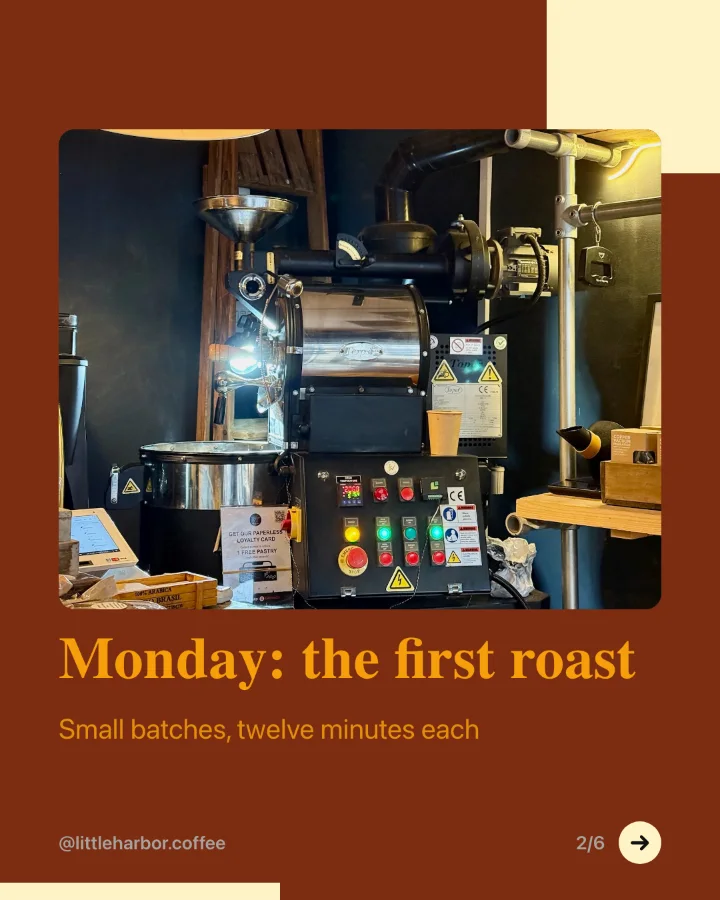

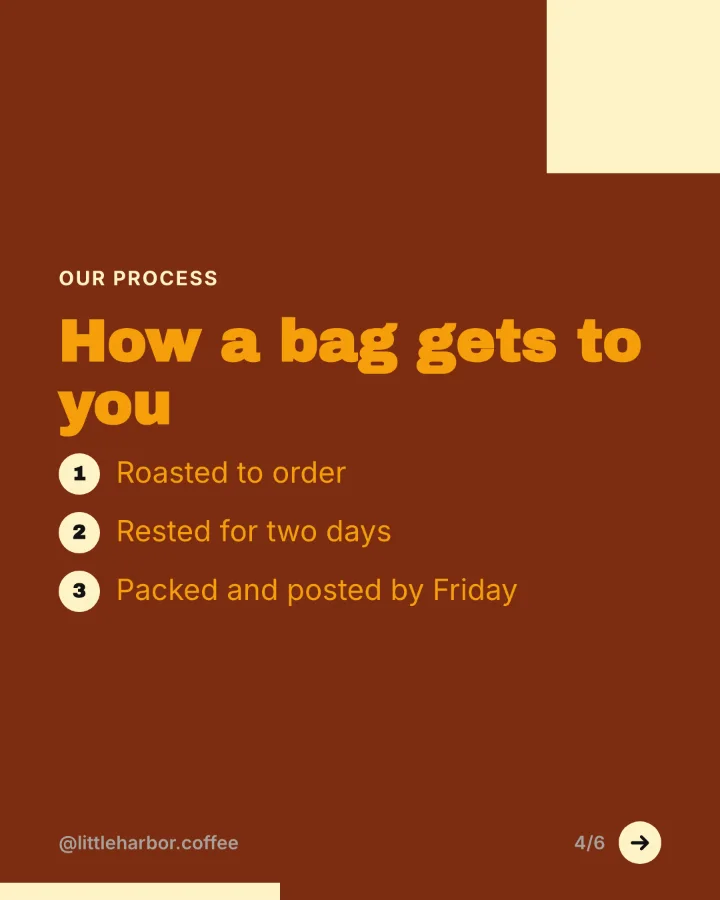
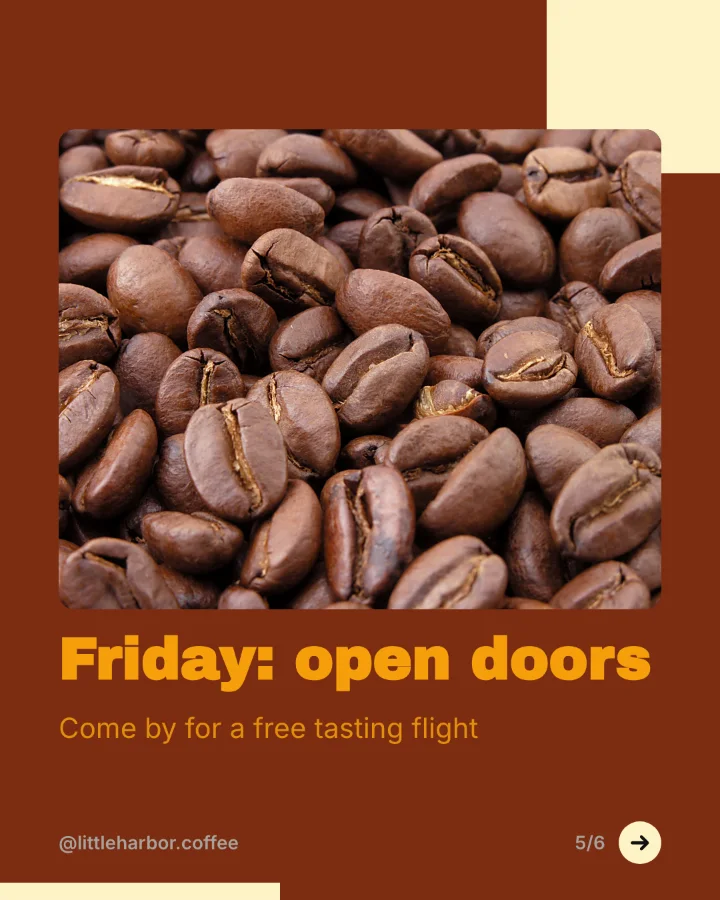
Slides rendered by SocialBat's carousel export. The brands are made up for the demo.
From idea to scheduled carousel.
Describe or paste
A topic, the link to an article, or your own text. Or start blank.
Edit the slides
Change any word, swap the template, reorder and duplicate slides, crop pictures.
Export and schedule
Download a PDF, PNGs or a ZIP, or schedule it straight to LinkedIn, Instagram and more.
Carousels for every purpose.
Turn a blog post into a LinkedIn carousel
Paste the link to an article and get a swipeable LinkedIn carousel with the key points, in your brand colours, ready to export as a PDF.
Learn moreLinkedIn carousels for founders
Share lessons, launches and numbers from building your company as carousels that people save and share.
Learn moreLinkedIn carousels for agencies and their clients
Make on brand carousels for every client with a brand kit per workspace, then send them for approval through a review link.
Learn moreTurn notes or a post into a carousel
Paste a LinkedIn post, a list or rough notes and turn them into a clean carousel with one idea per slide.
Learn moreGood to know.
Is the carousel maker free?
The Free plan includes 5 carousels. Pro makes unlimited carousels. AI writing and AI images use AI credits from your OfficeBats wallet.
What is the difference between a PDF carousel and an image carousel?
A PDF carousel is a document post on LinkedIn: people swipe through its pages. An image carousel is a post with several images, up to 20, which Bluesky, Telegram and Mastodon show as one post within their own limits. SocialBat exports either from the same carousel.
Can I make a carousel by hand, without AI?
Yes. Start from a blank carousel or one of 28 templates and write every slide yourself. Making carousels by hand never uses AI credits.
Where do the pictures come from?
Your own uploads, your OfficeBats Drive, stock photo libraries with the credit their licence asks for, or AI images when they are turned on for your account.
What do I get when I export?
A PDF document for LinkedIn, PNG images of every slide, or a ZIP of the images.
Can I use my own fonts and colours?
Yes. Set a brand kit with colours, fonts, name, handle and photo once per workspace.
Can I schedule the carousel?
Yes. Send it to the composer and schedule it as a document post or an image post, with a first comment if you like.
Make your first
carousel today.
Free to start with one account for every Bats app. No card needed.