Carousel maker
LinkedIn carousel maker with AI
Carousels get saved and shared. Make one in minutes without a design tool.

AI from a topic, a link or text
Describe the idea, paste a blog post link or your notes. AI writes the slides and a caption.
Original templates
More than 20 templates made for SocialBat, with layouts for covers, points, quotes, lists, numbers and calls to action.
Brand kit
Your colours, fonts, name, handle and photo on every slide, set once per workspace.
Slide editor
Edit text in place, reorder, duplicate and delete slides, and change sizes for LinkedIn, Instagram and square posts.
Export
A PDF document for LinkedIn and PNG slides for Instagram and other networks.
Schedule it
Send the PDF straight to the composer and schedule it as a LinkedIn document post.
A PDF or a set of images.
Same editor.
Export any carousel as a LinkedIn document, or as up to 20 images that post as one swipeable post.
PDF document carousel
Designed slides from 28 templates.
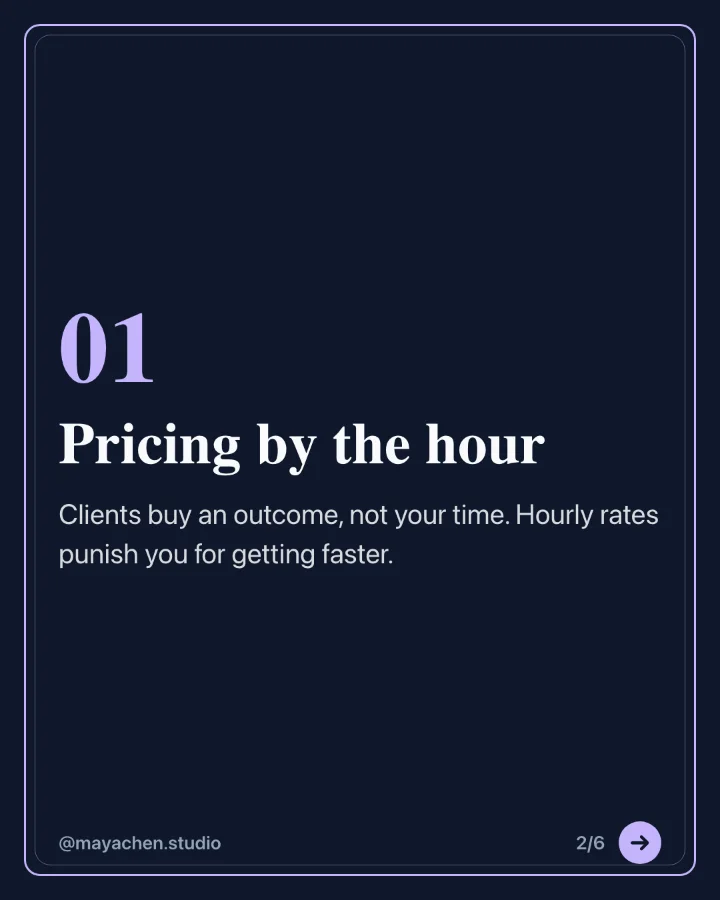
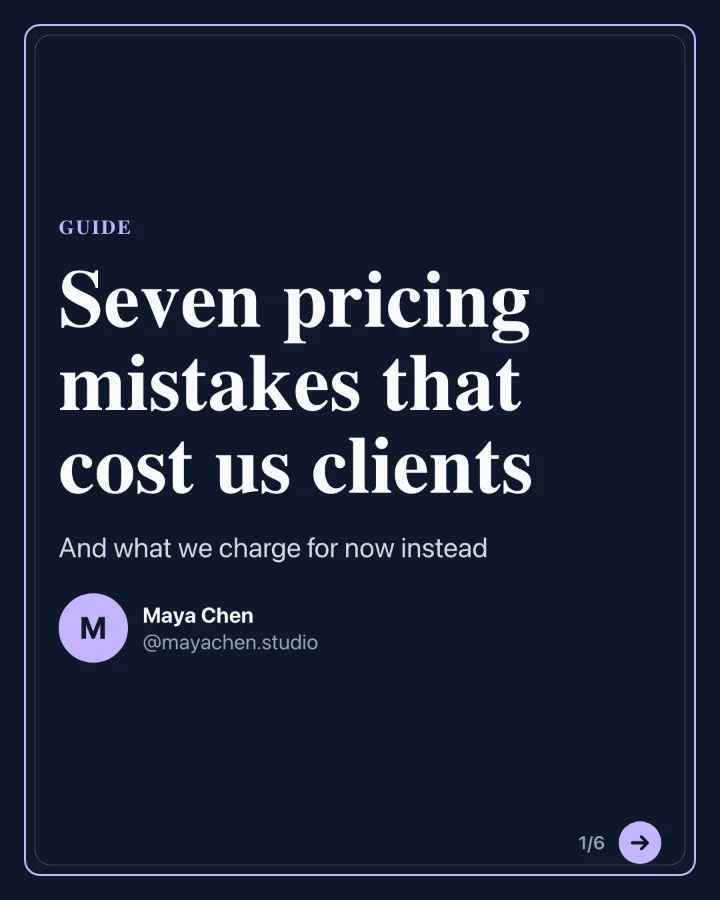
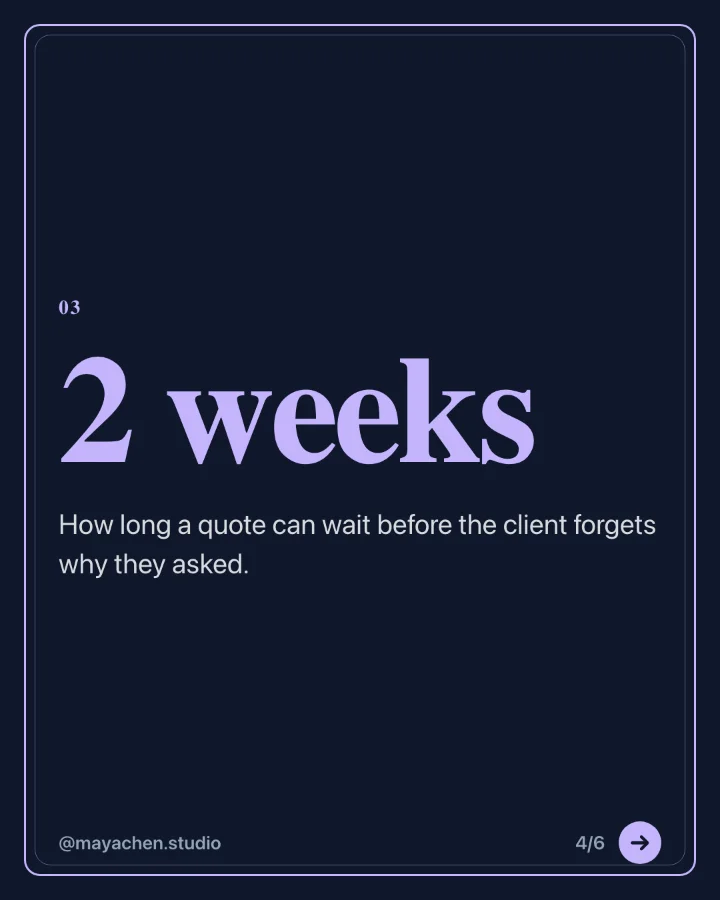
Image carousel
Photos and branded slides in one post.
One week at the roastery, from green beans to your morning cup. Swipe for the whole week.
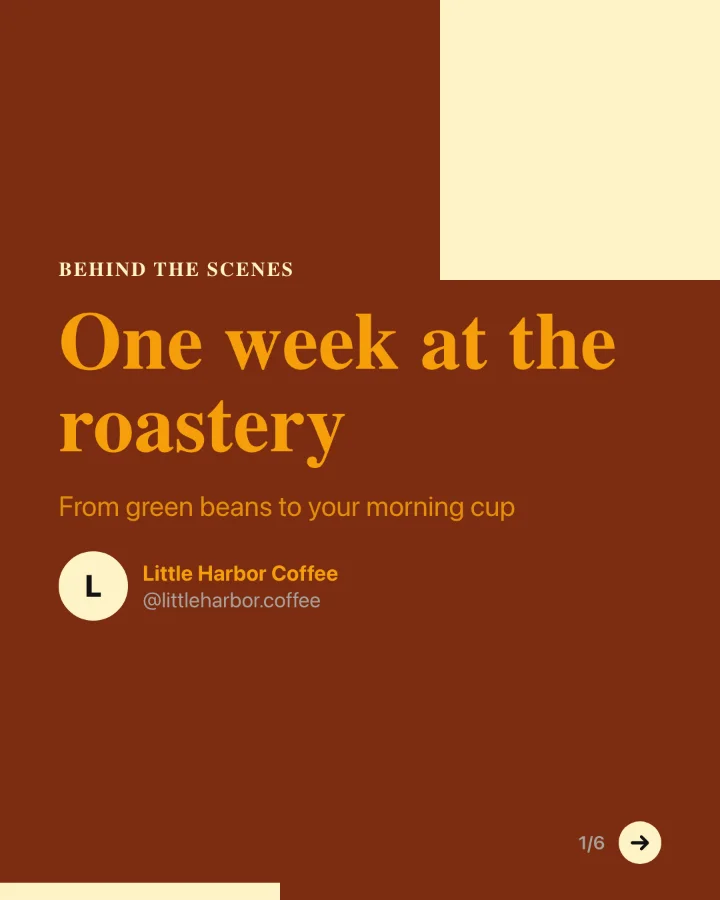
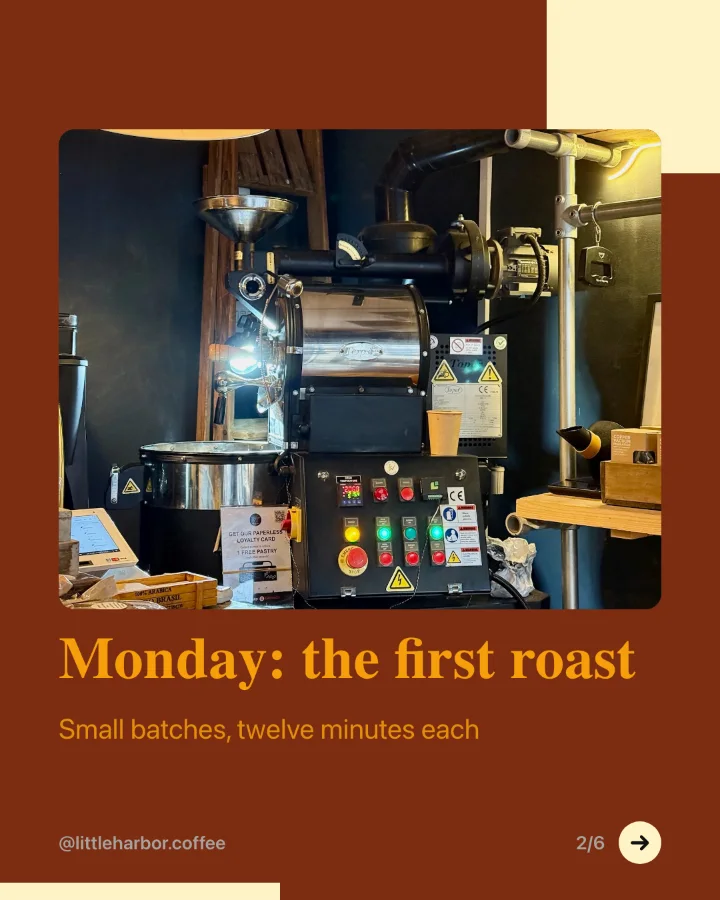
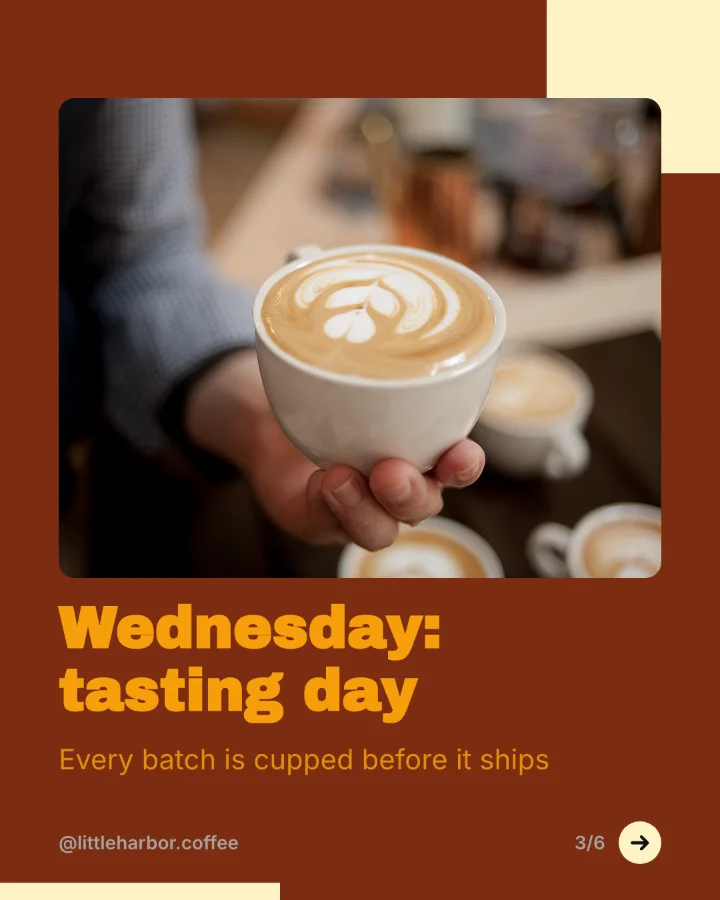
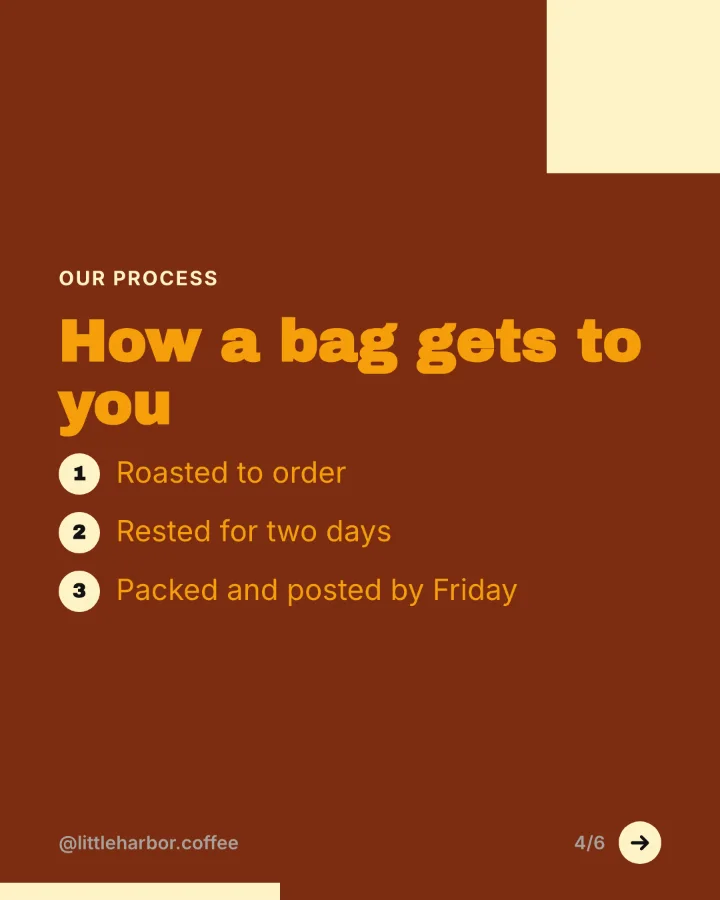
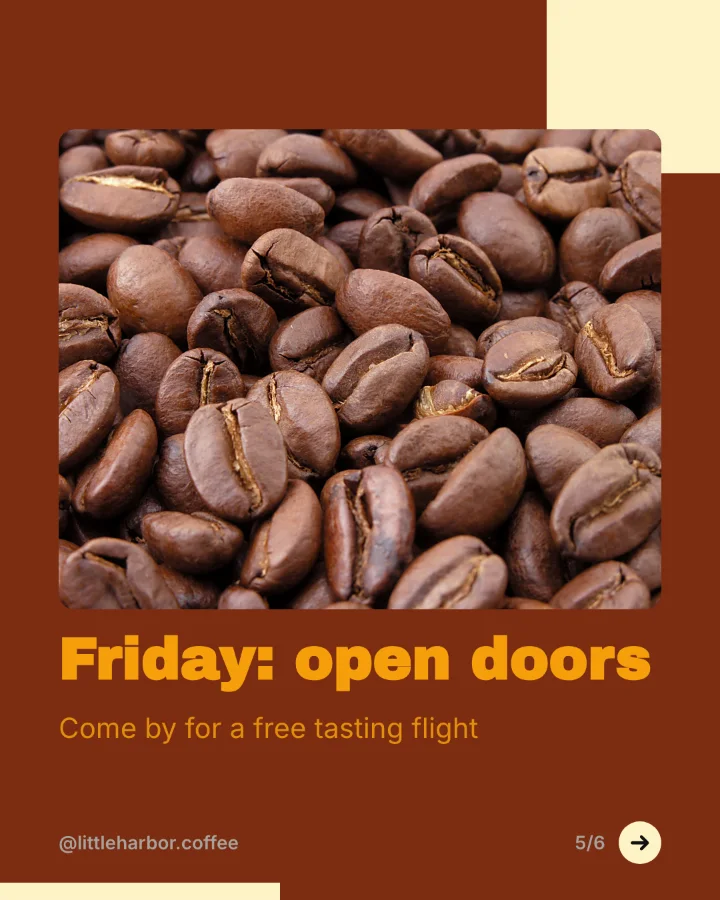
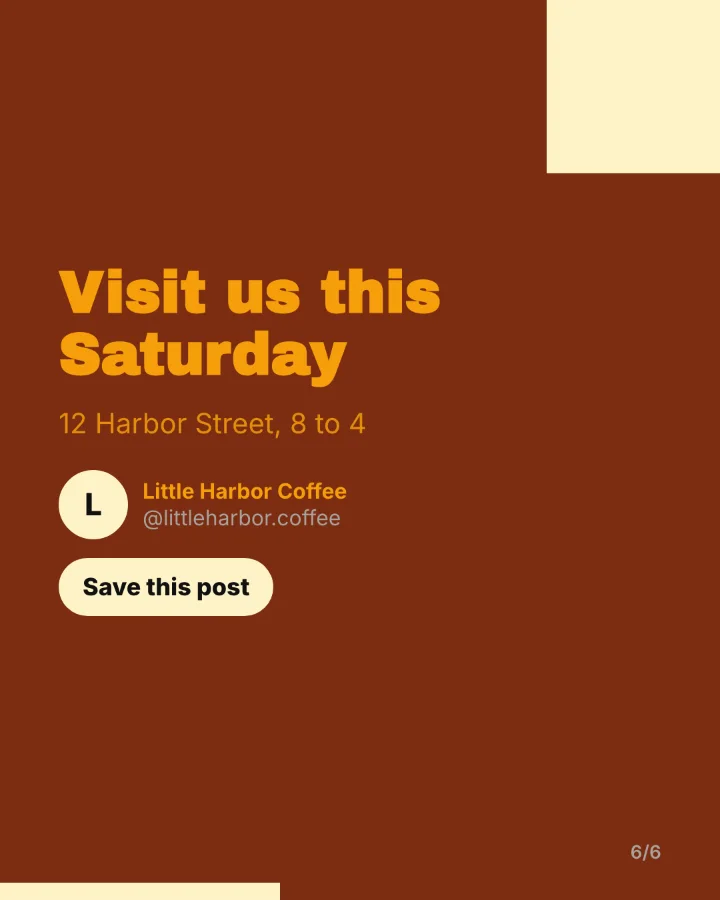
Slides rendered by SocialBat's carousel export. The brands are made up for the demo.
Questions.
Which size should a LinkedIn carousel be?
Portrait 1080 by 1350 pixels shows largest on phones. Square 1080 by 1080 also works well.
How many slides?
Between 6 and 12 slides is a good range. Put the promise on the first slide and a clear next step on the last.
More features.
All featuresScheduling and calendar
Plan posts for every network on one calendar with queues, time slots, best times from your own results, evergreen repeats and CSV bulk upload.
Learn moreAI content
An ideas board that turns ideas into native posts for every network, hooks, rewrites, threads, repurposing, a two week planner and autopilot, in your brand voice.
Learn moreLinkedIn suite
Write LinkedIn posts with hook templates and your personal voice, format them with bold and italic text, preview the see more cut, schedule document carousels and reply to comments.
Learn moreAnalytics and reports
Impressions, engagement, followers over time and link clicks per channel and per post, top posts, best times, CSV and PDF reports and scheduled report emails.
Learn moreYour next month of posts,
planned this afternoon.
Free to start with one account for every Bats app. No card needed.