Turn notes or a post into a carousel
Your best text posts often work even better as slides. Paste a LinkedIn post, a list or rough notes and turn them into a clean carousel with one idea per slide.
Paste your text
A post that did well, a framework or a checklist.
Choose the number of slides
Six to twelve works well on LinkedIn.
Export PDF or PNG
A PDF for LinkedIn, PNG slides for Instagram.
A PDF or a set of images.
Same editor.
Export any carousel as a LinkedIn document, or as up to 20 images that post as one swipeable post.
PDF document carousel
Designed slides from 28 templates.


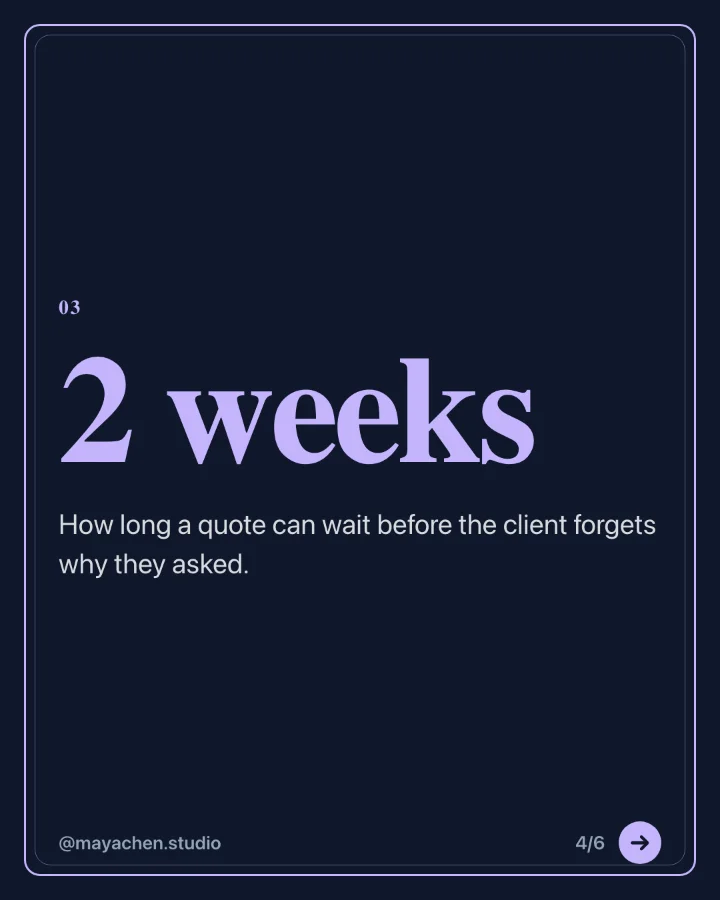
Image carousel
Photos and branded slides in one post.
One week at the roastery, from green beans to your morning cup. Swipe for the whole week.



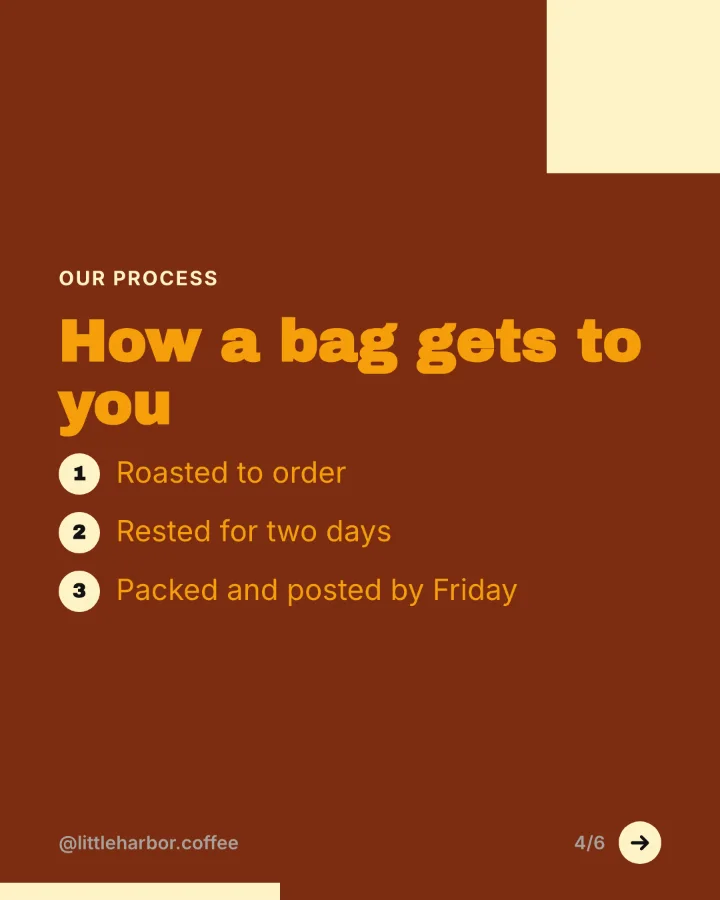


Slides rendered by SocialBat's carousel export. The brands are made up for the demo.
More carousel guides.
Carousel makerTurn a blog post into a LinkedIn carousel
Paste the link to an article and get a swipeable LinkedIn carousel with the key points, in your brand colours, ready to export as a PDF.
Learn moreLinkedIn carousels for founders
Share lessons, launches and numbers from building your company as carousels that people save and share.
Learn moreLinkedIn carousels for agencies and their clients
Make on brand carousels for every client with a brand kit per workspace, then send them for approval through a review link.
Learn moreYour next month of posts,
planned this afternoon.
Free to start with one account for every Bats app. No card needed.